

Child app
What your child sees on the phone.
On your child’s Android phone, the app shows the time left today and a daily learning goal. Your child picks a hero, and can tap once to start learning or to ask you for more time.
See your child’s day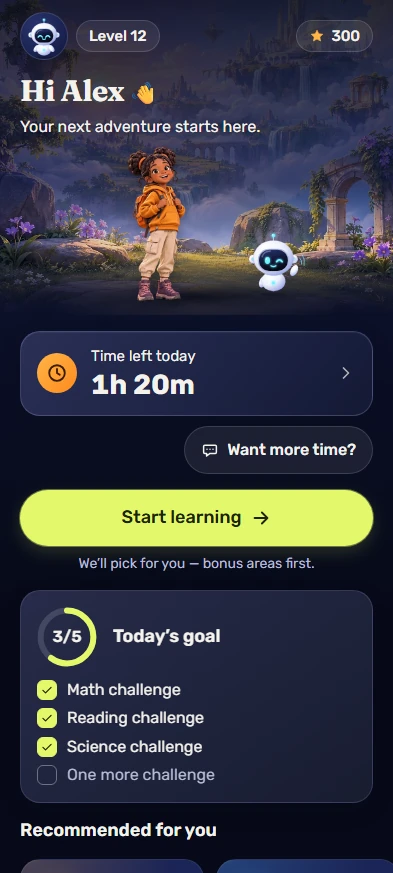
The Binadu family
A child app on your child’s Android phone, a Parent Portal you open in a browser, and short reviewed questions that can earn extra time. You set the limits in the portal, and the app applies them on the phone.
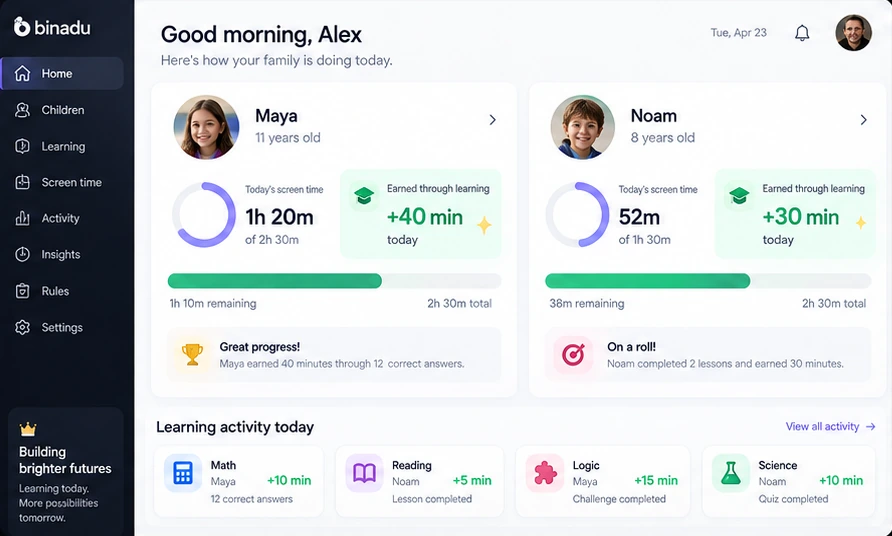
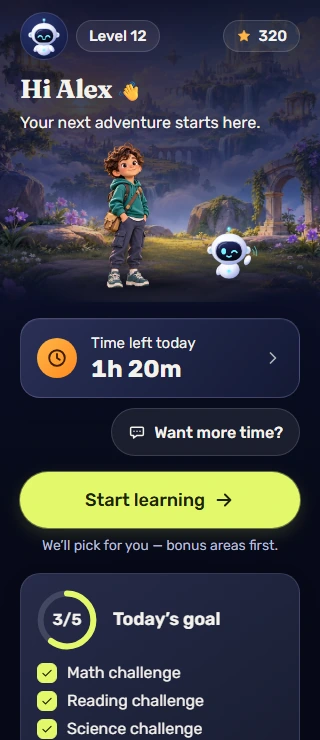
Child app: real screen. Parent Portal: design preview. Sample family.
The three parts
There is the child app, the Parent Portal and the learning engine. You set the limits. Your child can learn to earn a little more time. You and your child see the same numbers.
Child app
On your child’s Android phone, the app shows the time left today and a daily learning goal. Your child picks a hero, and can tap once to start learning or to ask you for more time.
See your child’s dayParent Portal
You open the Parent Portal in a browser. There you approve your child’s phone with a code, choose which apps are limited, and set the daily time, the bedtime and the earning cap. You also answer requests and follow the learning.
See the parent’s viewLearning engine
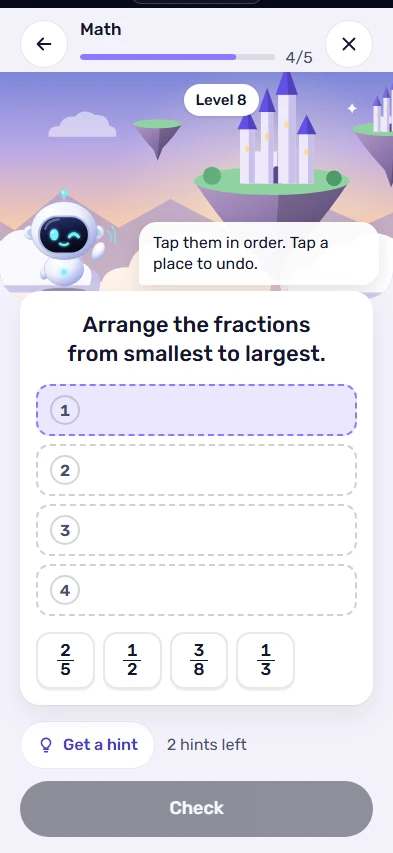
79 reviewed questions and 12 short lessons for ages 9–12. A correct answer earns extra minutes, up to the cap you set. A wrong answer or a hint never takes time away.
 Math
 Reading
 Science
 Language
 Logic
What’s included
Daily time for the apps you choose, a bedtime, and a cap on how much time learning can add.
In early accessShort reviewed activities in five subjects. Hints never cost time.
In early accessYour child asks for more time and picks a reason from a fixed list. You approve or decline.
In early accessThe Parent Portal shows time used, protection status and progress in each subject.
In early accessPlannedWeekly schedules and routines, beyond daily time and bedtime.
How the parts connect
You set the rules in the Parent Portal. The child app applies them on the phone and offers learning. The learning engine reports the results back to you.
Where it works
Works in any modern web browser, on a computer or a phone. Nothing to install.
Runs on your child’s Android phone during early access. iPhone is not supported.
Activities open inside the child app, in Hebrew or English. There is no separate app.
Limits apply to the apps you choose. Websites in a browser are not blocked.
Binadu is in early access for families with an Android phone.
Get early access